
Robot Vacuum Buyer's Guide: How to Match Suction, Battery, and Mapping to Your Home
- Home & Garden
- By James G. on
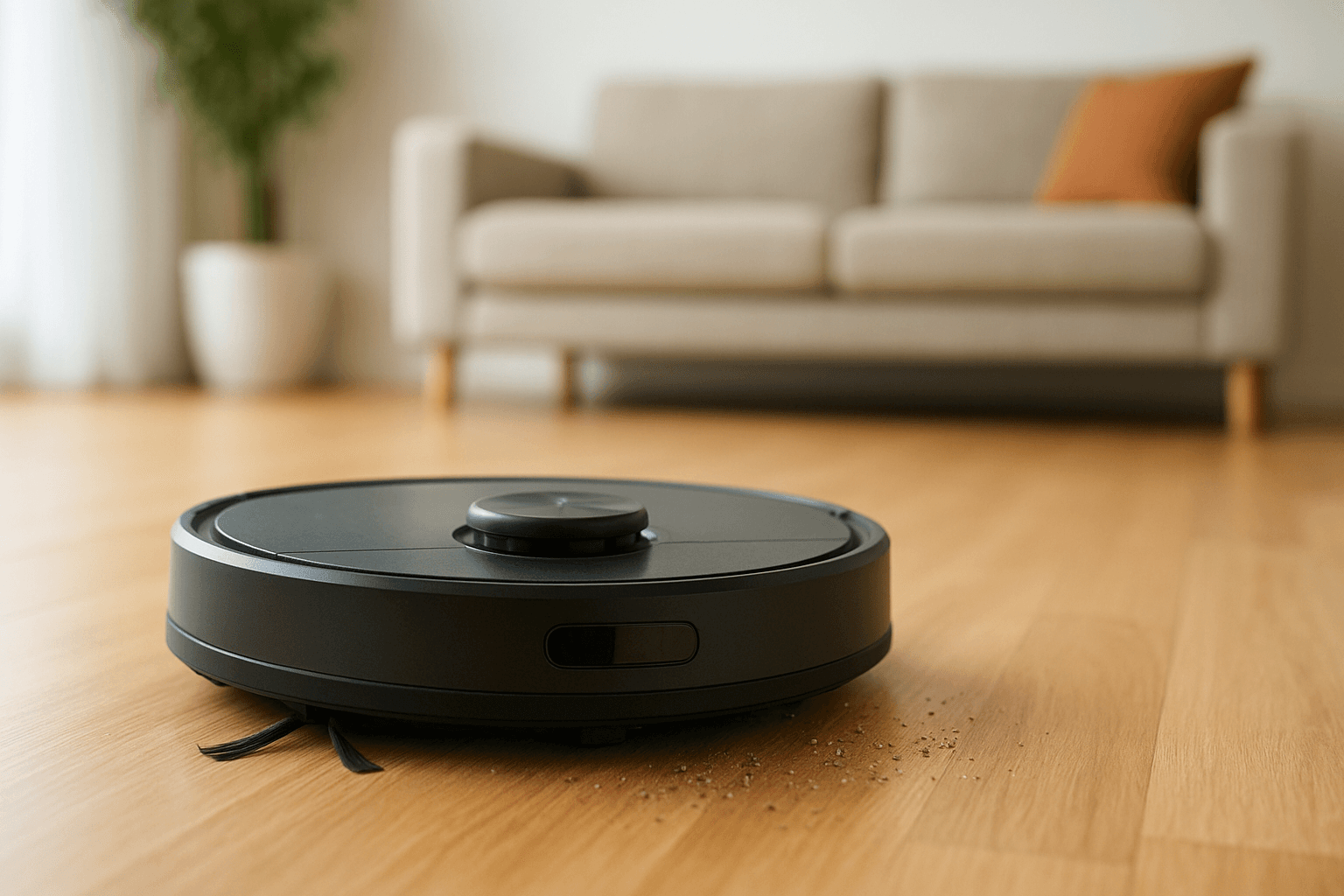
A robot vacuum can take over the daily upkeep of floors, but the category is crowded and the spec sheets are confusing. Two models that look similar on paper may perform very differently on thick carpet, pet hair, or a floor plan with tight corners.
The best choice depends less on the highest number in the marketing copy and more on the home it will work in. Floor type, square footage, pets, and clutter all shape which features matter and which are extras.
The sections below break down the four factors that affect results most: suction, battery, mapping, and home type. A short checklist at the end covers the details shoppers often overlook until after the purchase.
Suction: Useful, but Not the Whole Story
Suction is usually listed in pascals (Pa). Manufacturers test and report these numbers differently, so a higher figure does not always mean better cleaning when comparing across brands. Within a single brand's lineup, the comparison is more meaningful.
Brush design often matters as much as raw suction. A well-designed main brush that agitates carpet fibers and lifts debris can outperform a stronger motor paired with a basic brush.
When comparing models, look for:
- Brush type: Rubber or hybrid brushes tend to resist hair tangles better than bristle-only designs.
- Adjustable power modes: A quiet mode for hard floors and a boost mode for carpet save battery and noise.
- Carpet detection: Some models raise suction automatically when they sense carpet.
- Side brush quality: This helps pull debris away from baseboards and corners.
Independent testing from outlets such as Consumer Reports and Wirecutter is a better guide to real-world pickup than spec sheets alone.
Battery Life and Charging Behavior
Runtime claims are typically measured in the lowest power mode on hard floors. Actual runtime is shorter on carpet or in boost mode, so the listed number is best treated as a ceiling.
What matters is whether the robot can finish the space it is assigned. Many mid-range and premium models return to the dock when the battery runs low, recharge, and then resume cleaning where they stopped. This feature is often called recharge and resume, and it is especially helpful for larger homes.
- Small apartments: Basic runtime is usually enough, and recharge and resume is a bonus.
- Larger homes: Prioritize recharge and resume and a battery that is replaceable, since battery wear is a common reason robots are retired.
- Dustbin size: A small bin fills quickly in pet homes and forces mid-job stops.
Self-emptying docks reduce how often the bin needs attention, but they add cost and take up floor space. Replacement bags are an ongoing expense, so check how much they cost and how long a bag typically lasts.
Mapping and Navigation
Navigation determines whether a robot cleans in organized rows or bumps around at random. Entry-level models often use basic sensors and cover floors less predictably. Mid-range and premium models use lidar or camera-based systems to build a map of the home.
A saved map unlocks the features most owners use daily:
- Room-by-room cleaning: Send the robot to the kitchen after dinner without running the whole house.
- No-go zones and virtual walls: Block off pet bowls, cable clusters, or delicate rugs.
- Multi-floor maps: Useful for homes with more than one level, as long as the app supports several saved maps.
- Obstacle avoidance: Camera and sensor systems help the robot steer around socks, cords, and pet waste, though performance varies by model and lighting.
Camera-equipped models raise a privacy question. Review the manufacturer's privacy policy and check whether images are processed on the device or sent to the cloud.
Match the Robot to the Home
Home type narrows the field quickly.
- Apartments and small homes: A mid-priced robot with solid navigation and an app is usually enough. A compact body also fits under low furniture.
- Homes with pets: Look for tangle-resistant brushes, strong suction, a larger bin or self-emptying dock, and good obstacle avoidance. A HEPA-style filter can help with dander, though filtration claims should be checked against the manufacturer's specifications.
- Mostly carpet: Prioritize carpet detection, an effective main brush, and strong suction modes. Check the robot's stated limits on carpet pile height.
- Mostly hard floors: Many robots perform well here, and some models add mopping. Mop attachments are generally best for light upkeep rather than deep scrubbing.
- Large or multi-level homes: Prioritize multi-floor mapping, recharge and resume, and a dock that reduces manual emptying.
A Quick Pre-Purchase Checklist
Before buying, confirm a few practical details that affect daily use:
- Height clearance: Measure the space under sofas and beds.
- Threshold climbing: Check the maximum height the robot can cross between rooms.
- Noise level: Models vary, and a quiet mode helps in open-plan homes.
- App and voice support: Make sure it works with the phone and smart home setup already in use.
- Parts availability: Brushes, filters, and batteries should be easy to find and reasonably priced.
- Warranty and support: Look for clear terms and a responsive service channel.
A robot vacuum works best as a daily maintainer, not a replacement for an occasional deep clean with a full-size vacuum. Setting that expectation, and choosing features that fit the home, usually leads to a purchase that stays in use.